Getting Started
New here? Start with these
Video tutorials are in production. The written guides below cover each topic — videos will be linked here as they're published.
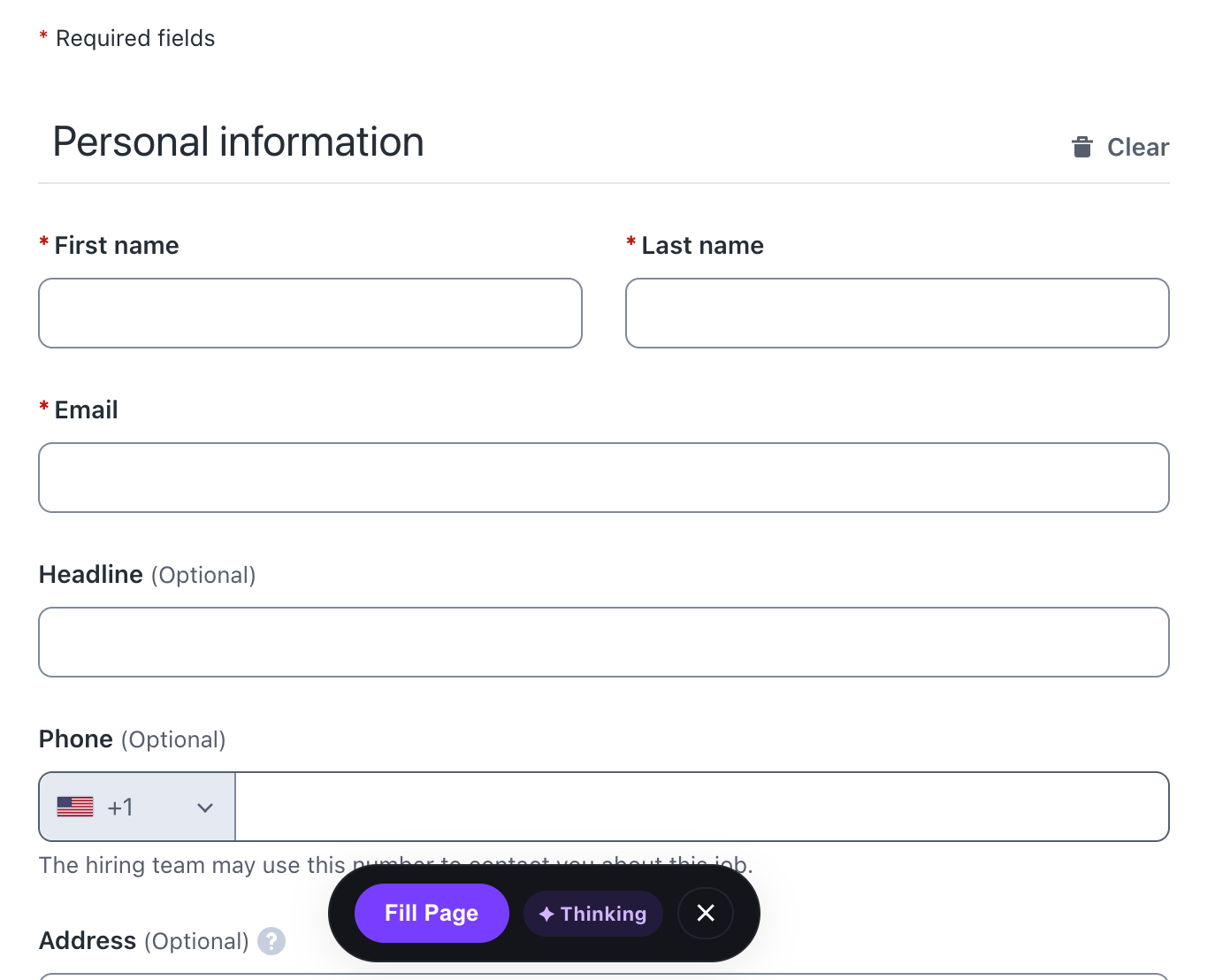
Getting Started: Install & Setup in 2 Minutes
Install FormFill AI from the Chrome Web Store, sign in via OpenRouter OAuth (or add your OpenAI key), and fill your first form — all in under 2 minutes.
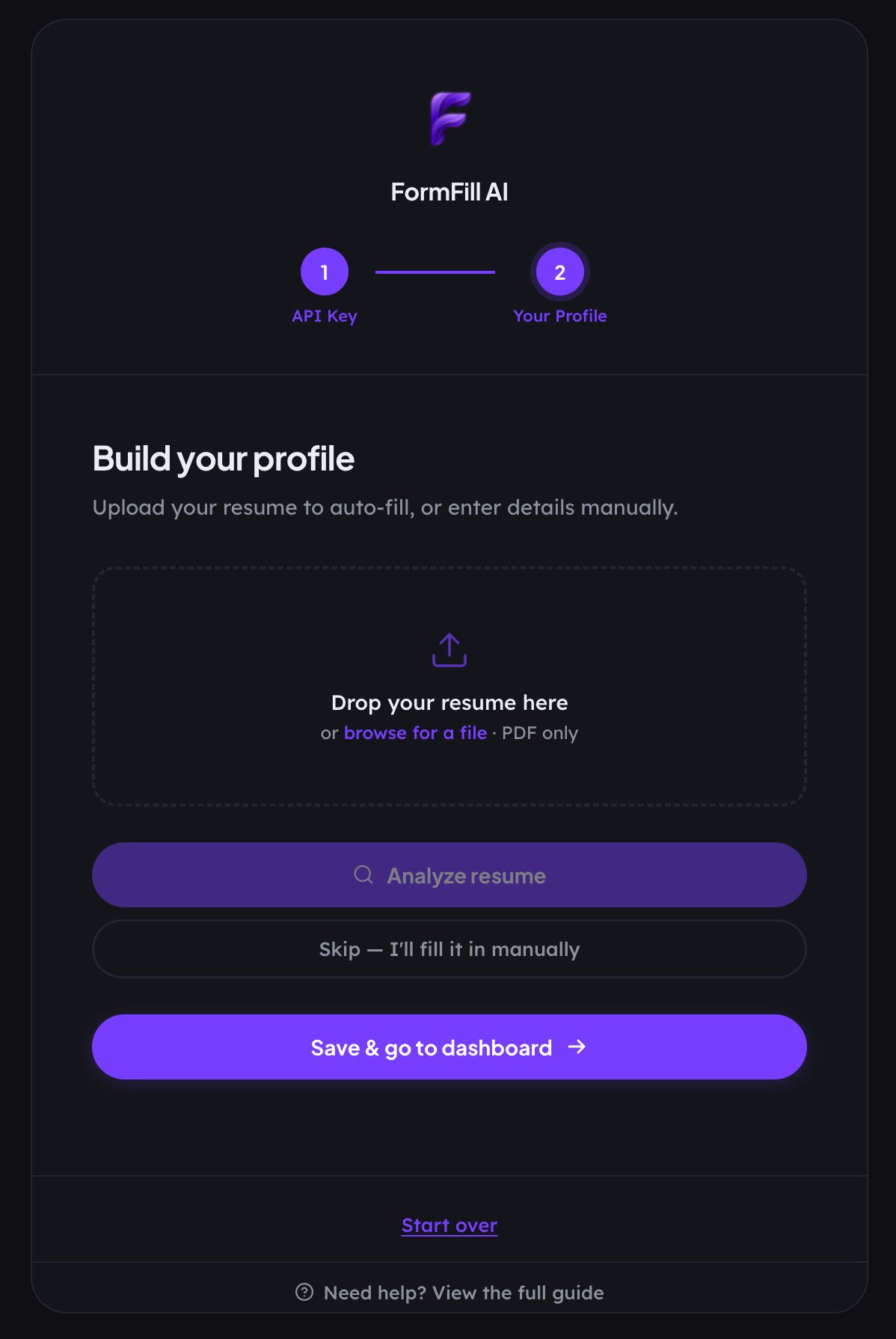
Building Your Profile: Resume Import & Manual Setup
Learn how to import your PDF resume and manually add custom data fields that aren't on your resume for best fill results.
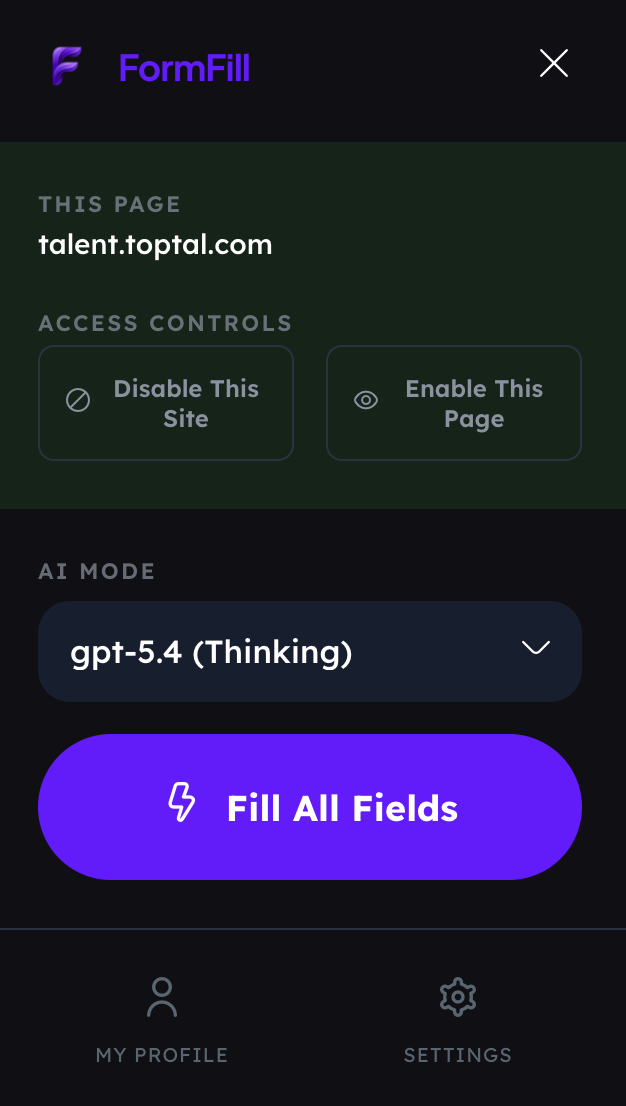
Your First Fill: Auto-Fill a Job Application on LinkedIn
Navigate to a LinkedIn Easy Apply job, open the FormFill AI panel, and watch as it fills every field in under 10 seconds.
Using Cover Letter AI for Open-Ended Questions
When the form asks "Why do you want to work here?", here's how to generate a tailored, authentic answer from your profile data.